Select the model you want to generate your video with.
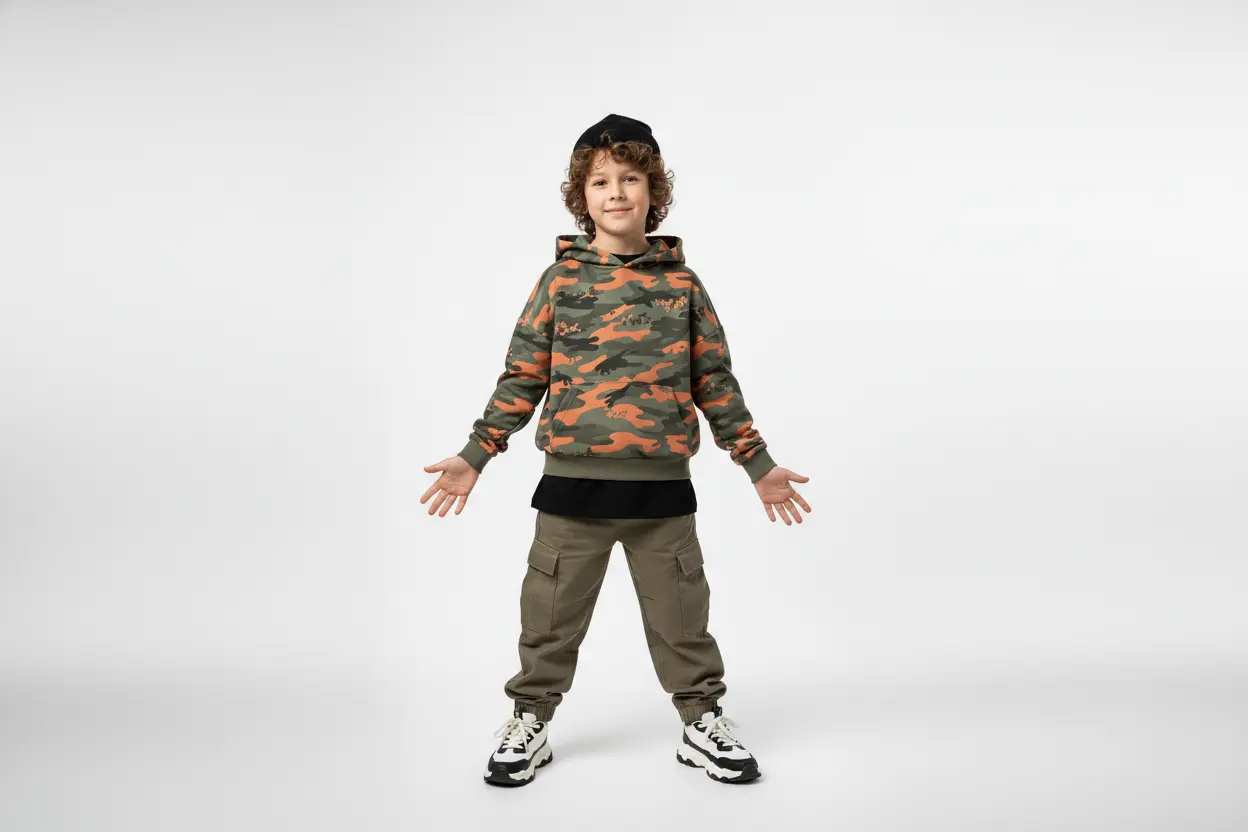
Same orientation as the reference video. Supports up to 30s video generation.
No Watermark
Private
Free AI Baby Dance Generator Online
Turn photos into cute baby cool dance videos in one step. Use the built-in dance or upload your own video to guide the motion.
Explore Cute Baby Cool Dance Videos With Bylo AI Baby Dance Generator
This gallery shows real AI baby dance videos generated with our AI Baby Dance Generator. You’ll find results created from baby photos, pet photos, adult portraits, and multi-person images, as well as videos made using custom dance clips inspired by real dance trends such as Tyla Dance, TikTok routines, and K-pop choreography.Powered by Kling 2.6 Motion Control, each cute baby dance keeps the subject recognizable while the motion stays smooth and natural.
How Create Baby Dance Videos Free Online with VidFul.ai
Follow these simple steps to get started with our platform.
Upload a Single-Person Baby Dance Photo
Upload a clear photo with one subject. The built-in baby dance motion is optimized for single-person movement, so single-person images usually produce the most stable results.
Upload Your Own Baby Dance Reference Video (Optional)
If you want a different baby dance style — such as multi-person motion, Tyla Dance, or any custom choreography — you can upload your own dance video as the baby dance reference.
Generate and Download Your Baby Dance Video
Click Generate to create your baby dance video. After processing, you can preview the result and download the final video for sharing or saving.
Core Capabilities of Bylo.ai's Cute Baby Cool Dance Generator
One-Click AI Baby Dance Video Generator Free Online
Creating a baby dance video on VidFul.ai takes only a photo and a single click. The AI Baby Dance Video Generator free online removes extra steps and unnecessary settings, so the focus stays on quickly turning images into watchable results instead of learning a workflow.
Baby Dance Motion Quality Powered by Kling 2.6 Motion Control
The visual stability of each AI baby dance video is driven by Kling 2.6 Motion Control. This helps keep movement smoother and facial details more consistent, especially compared to tools where baby dance results often look shaky or distorted.
Flexible Baby Dance AI Video Generator for Different Photos
The baby dance AI video generator on VidFul.ai works with more than baby photos. Many users apply the same baby dance effect to pets, adult portraits, and multi-person images, while the original identity remains recognizable in the final video.
No Baby Dance Video Prompt Needed, with Optional Custom Dance Upload
VidFul.ai does not require any baby dance video prompt to get started. Upload a photo and generate directly. When more control is needed, you can also upload your own dance clip to guide the motion, making each baby dance video feel less repetitive and more personal.
Helpful Tips for Creating Better Baby Dance Videos With Bylo.ai's Baby Dance AI Video Generator
Follow these helpful tips to get the most out of our platform.
Start with the built-in baby dance using a clear single-person photo
The default baby dance reference is designed for one subject. A photo with a single person works best, especially when the head, torso, arms, and legs are fully visible. Images where the body is heavily cropped, cut off at the knees, or missing arms or hands may lead to less stable movement.
Use photos with balanced framing and natural proportions
Photos where the subject is centered, upright, and not extremely zoomed in usually perform better. Full-body or half-body images with natural proportions tend to produce more consistent baby dance motion than extreme close-ups or very wide shots.
Only upload your own dance video when you want a different style
If the built-in baby dance already matches what you want, there is no need to upload anything else. Custom dance videos are useful when you want multi-person motion, Tyla Dance, or a specific choreography.
Match the number of people when using custom dance videos
When you upload your own dance clip, try to keep the number of people consistent. A single-person dance works best with a single subject photo, while group dances work better with group images.
Prefer simple, continuous clips for custom uploads
Custom dance videos with steady movement and minimal cuts usually produce smoother baby dance results than fast edits, strong camera shake, or frequent transitions.
Real-World Uses of Baby Dance Videos
Baby Dance Videos for Family Fun and Sharing
Many users create baby dance videos from baby photos, pet photos, or everyday portraits simply for lighthearted moments. These clips are often shared privately with family or friends, turning ordinary images into something playful without needing editing skills.
Baby Dance Videos for TikTok, Reels, and Shorts
Short-form platforms are a natural fit for AI baby dance videos because the format works well in fast-scrolling feeds. Users can create baby dance clips for TikTok, Instagram Reels, and YouTube Shorts as reaction posts, trend-based content, or casual entertainment. For creators who want these clips to feel more cinematic, HappyHorse 1.0 can help add smoother motion, stronger scene flow, and a more polished AI video style while keeping the playful appeal of the original baby dance concept.
Baby Dance Avatars for Profiles and Online Identity
Some people use the AI Baby Dance Generator to turn a photo into a baby dance-style avatar. These baby dance videos are used as profile clips on social platforms, messaging apps, or community spaces where a static image feels less expressive.
Custom Baby Dance Videos Using Your Own Dance Clips
When users want more control, they upload their own dance video as a reference. This allows the baby dance AI video generator to follow specific choreography, such as Tyla Dance or other styles, and creates baby dance videos that feel more personal and less repetitive.